Travel eSIMs on a cruise: what works in port and at sea
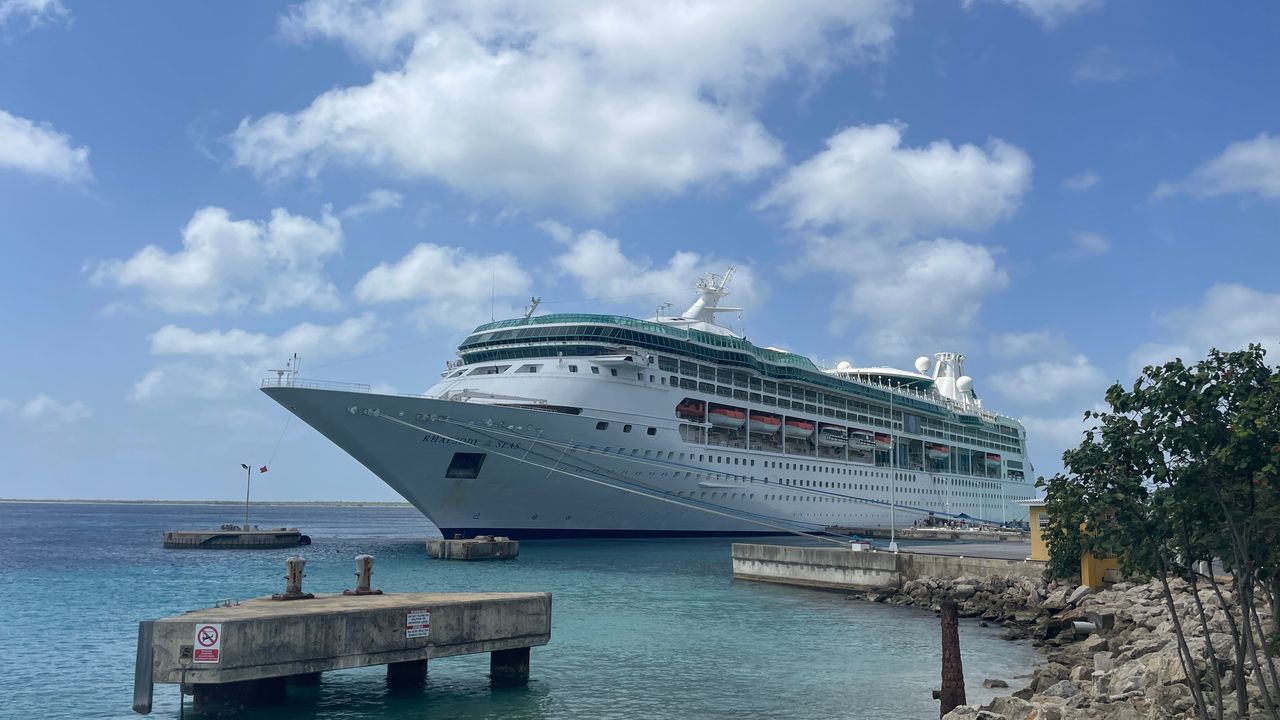
A travel eSIM on a cruise works the way your phone works on land: it needs a local mobile network. That means it works in port, at anchor and close to the coast, and not out at sea.
The short answer: ports and coast yes, open sea no
A travel eSIM connects to the same land networks that local phones use, so it works wherever the ship is close enough to reach one.
| Where the ship is | Does a travel eSIM work? | What to use |
|---|---|---|
| In port or at anchor | Yes, on the local network | Your eSIM, with Data Roaming on for the eSIM line |
| Near the coast | Often, until the signal fades | Your eSIM, then the ship's wifi |
| Out at sea | No local network | The ship's wifi, or nothing |
We do not sell a plan for use at sea. Between ports, plan to be offline or to pay for the ship's own internet package.
Why your phone loses signal at sea
Your phone loses signal at sea because the land network's towers only reach a limited distance from the shore. Once the ship is out of range, the only network left is the one the ship runs itself, usually over satellite.
That ship network is not part of any travel eSIM we sell. Your home SIM, however, may try to join it if roaming is on, and home carriers bill it separately from their usual roaming. Spark's roaming rates page, read on 11 October 2026, says its roaming packs do not work on cruise ships. Check your own carrier's page before you sail.
Before you sail: settings that stop a surprise bill
Set your phone up before you board so only the eSIM ever uses data.
- Install the eSIM at home on wifi, a few days before you leave.
- Set the eSIM as your mobile data line.
- Turn Data Roaming off for your home line, and on for the eSIM line.
- At sea, switch on airplane mode, then turn wifi back on for the ship's network.
- In port, turn airplane mode off and give the eSIM a minute to find the local network.
The Oceania plan also covers New Zealand and Australia, so it starts as soon as it connects there. If you sail from Auckland, Sydney or Brisbane on it, keep its line switched off until the first port where you want data, then follow steps 2 and 3.
Your home SIM can stay on for texts such as bank codes when you are in port, with its Data Roaming off. Our guide to keeping your home number explains how calls and texts reach you while the eSIM does the data.
South Pacific cruises from Auckland, Sydney and Brisbane
One Oceania plan covers most South Pacific ports, and New Caledonia is the gap. The Oceania plan covers exactly eight places: Fiji, Vanuatu, Tonga, Samoa, Papua New Guinea, Nauru, Australia and New Zealand.
| Port | Covered by | Price |
|---|---|---|
| Suva, Lautoka or Dravuni, Fiji | Fiji plan or the Oceania plan | Fiji 3GB, 15 days: US$11.80 |
| Port Vila or Mystery Island, Vanuatu | Vanuatu plan or the Oceania plan | Vanuatu 1GB, 7 days: US$8 |
| Nuku'alofa, Tonga | Tonga plan or the Oceania plan | Tonga 3GB, 15 days: US$17.80 |
| Apia, Samoa | Samoa plan or the Oceania plan | Samoa 3GB, 15 days: US$17.80 |
| Sydney, Brisbane or Melbourne | Australia plan or the Oceania plan | Covered by the Oceania plan |
| Auckland, Bay of Islands or Tauranga | New Zealand plan or the Oceania plan | Covered by the Oceania plan |
| Noumea, Lifou or the Isle of Pines, New Caledonia | New Caledonia plan only | New Caledonia 1GB, 7 days: US$53.20 |
The Oceania plan covers every port in the table except those in New Caledonia: 3GB for 15 days is US$16.90 and 5GB for 30 days is US$28, less than the Samoa, Tonga or Vanuatu plan of the same size.
New Caledonia and French Polynesia are on none of our regional plans and their own plans cost far more, so for a single port day the ship's wifi may be the better buy. We have no plan for the Cook Islands. Our Pacific Islands guide goes island by island.
Mediterranean, Caribbean, North America and Asia cruises
Regional plans cover many other cruise routes, but rarely every port, so check each port against the plan's list first.
- Mediterranean and northern Europe. Our widest Europe plan covers 43 countries. 10GB for 30 days on a Europe plan starts at US$14.10, though the cheapest Europe plans leave some countries out, so check your ports on the Europe page.
- North America. The North America plan covers the United States, Canada and Mexico on one eSIM: 10GB for 30 days is US$36. We have not yet confirmed coverage in every Alaska port, so for an Alaska cruise, ask us before you buy.
- The Caribbean. Our Caribbean plan covers 16 Caribbean islands and territories, among them Jamaica, Barbados, Puerto Rico and the Cayman Islands, and some South American countries as well. 5GB for 30 days is US$62.20. Several busy cruise ports are not on it: the Bahamas, Aruba, Curaçao and Belize each need their own plan, and Cozumel is in Mexico, on the North America plan. Check every port on the Caribbean page.
- Asia. One of our Asia plans covers Japan, South Korea, Hong Kong, Taiwan, Singapore, Vietnam and Thailand together. Asia plans start at US$4.10 for 1GB, and each list is on the Asia page.
Sea days still count: sizing a plan for 7, 10 or 14 nights
Once a plan first connects, its days run every day until it ends, sea days included. A plan that starts in your first port must last until your last one.
So pick the validity first, then the data. For a 7 night cruise, a plan valid for at least 7 days from the first port; for 10 or 14 nights, a 15 or 30 day plan. Our country plans start when they first connect in a covered country, so a plan installed at home waits until the ship reaches one. The Oceania plan covers New Zealand and Australia too, so it waits only while its line is switched off.
Data goes further than on a land holiday, because you are offline at sea. Across our travellers, the median day online used 470MB (July to October 2026), so 3GB covers a handful of busy port days, and 5GB leaves room for photos and video calls home.
Ship wifi or an eSIM: when the ship's package is the better buy
Buy the ship's wifi package if you need to be online between ports, because nothing else works there. Work email, a family member at home or a long run of sea days all point to the ship's package.
An eSIM is the better buy for port days. A local network is usually faster than ship wifi, and the eSIM keeps working when you walk into town, ride a tour bus or take a boat to a beach. Many cruisers use both: the ship's package at sea and the eSIM ashore.
If you skip the ship's package, set your phone up as above and enjoy the quiet between ports.
Shore days: offline maps, the meeting point and the all aboard time
Plan each port day as if the signal might drop, because on small islands it often does.
- Download offline maps of each port before you arrive, on the ship's wifi or at home.
- Save the ship's all aboard time and the port agent's phone number on paper or in a photo.
- Agree a meeting point with your group in case phones run flat or lose signal.
- Keep some local cash for tenders and markets, where card readers may need a signal too.
Our guide to remote areas and backup plans has more on travelling where coverage thins out.
Prices for popular trips
- Oceaniafrom US$7.60
- Fijifrom US$5.70
- Vanuatufrom US$8
- New Caledoniafrom US$53.20
- Europefrom US$3.40
- Caribbeanfrom US$14.60
Cheapest plan with 1GB or more, in US dollars from our catalogue, updated 27 Sep 2026.
Questions travellers ask
Does a travel eSIM work at sea on a cruise ship?
Only near land. In port, at anchor and along the coast your phone can join a local network and the eSIM works as it does on land. Out at sea there is no local network, only the ship's own, and we do not sell a plan for it, so use the ship's wifi between ports.
Will my eSIM work in Noumea on a South Pacific cruise?
Only on a New Caledonia plan. New Caledonia is on none of our regional plans, including the Oceania plan that covers Fiji, Vanuatu and the other usual ports, and its own plans cost far more. For one day in Noumea, the ship's wifi or the free wifi near the terminal may be enough.
Do the days on my eSIM count on sea days?
Yes. Once a plan first connects, its days run every day until it ends, whether or not the ship is near land. Size the plan for the whole cruise, from the first port where it connects to the last.
Should I use airplane mode on a cruise?
At sea, airplane mode with wifi turned back on is the safest setting, because it stops your home SIM joining the ship's network. In port, turn airplane mode off and let the eSIM connect, with Data Roaming on for the eSIM line only.
Is there one eSIM for every port on a South Pacific cruise?
For most of them. Our Oceania plan covers Fiji, Vanuatu, Tonga, Samoa, Papua New Guinea, Nauru, Australia and New Zealand on one eSIM. It does not cover New Caledonia, French Polynesia or the Cook Islands. Because it also covers New Zealand and Australia, keep its line switched off until the first port where you want data.
Is the ship's wifi better than an eSIM?
At sea it is the only option, so buy the ship's package if you need to be online between ports. In port, an eSIM on a local network is usually faster and cheaper than the ship's wifi, and it works ashore wherever you walk.