Where does your travel eSIM's internet come out? Banking apps, streaming and your IP address
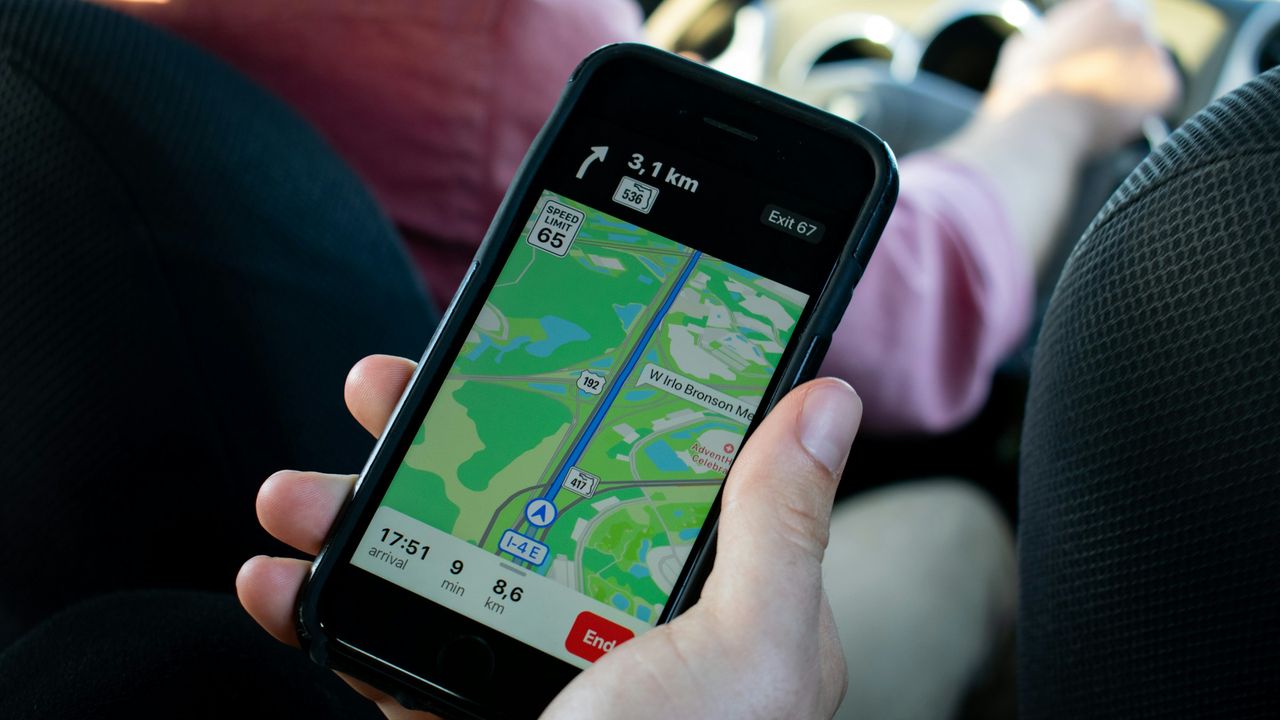
Your phone is standing on a street in Tokyo, talking to a Japanese mobile tower. So why does your banking app ask you to verify a login from somewhere else entirely, and why is Google still in English?
The answer is something most eSIM companies never mention: where your data actually joins the internet.
The tower and the exit are two different places
A travel eSIM is a roaming product. Your phone connects to a real local network in the country you are visiting, which is why you get local coverage and speeds. But your data does not always leave for the internet from that country. It travels through the network that issued the eSIM and exits, or "breaks out", at a point that network chooses.
There are two common setups:
| Setup | Where your data exits | What websites think |
|---|---|---|
| Local breakout | The country you are standing in | You are local |
| Hub or home routing | A hub in another country | You are in the hub country |
Neither is wrong. They just behave differently, and knowing which one you have saves a lot of confusion.
Where RoamMore plans break out
It depends on the plan. Most RoamMore plans use a regional hub rather than the country you are standing in. Across our catalogue the most common breakout points are Singapore, the United Kingdom, the United States and Hong Kong, with some European plans exiting in France, the Netherlands, Austria, Belgium or Poland. A few plans break out locally, for example some of our Japan plans.
Every destination page lists the breakout point for each plan in its plan table, shown as "IP" with the country code, so you can check before you buy. For example, see our Japan eSIM page.
What a hub breakout means in practice:
- Websites and apps may treat you as being in the hub country, so search results, maps and app stores can show that country's language or content
- On a regional plan, your apps usually see the same hub location even as you cross borders, rather than a new country every few days
The trade off: sites that only serve local visitors, like some local ticketing or government pages, may treat you as a foreigner. On a hub setup there can also be a little extra delay, which you are unlikely to notice for maps, messaging or video calls.
We publish this because we think you should know it before you buy, not after.
Why your banking app sometimes asks questions
Banks watch for logins that look unusual. A new phone network plus a new country can trigger a check, whichever eSIM you use. That is the fraud system doing its job, not your account being blocked.
Before you fly:
- Update your banking apps and sign in once at home so the app remembers your phone.
- Switch login approvals to in app confirmation where your bank offers it, so you are not relying on a text message.
- Add a travel note if your bank has that option.
- Keep your home SIM line switched on for texts if your bank still uses SMS codes. Our guide on keeping your home number shows how to do that without paying for roaming data.
If you still get locked out, call your bank from the app or over wifi rather than waiting it out.
Streaming and search
Streaming services decide what you can watch from their licences and their own location checks. A breakout country can change which catalogue you see, but no eSIM can guarantee a specific library, and services actively block traffic they think is disguised. The reliable move is to download what you want before you leave.
Search engines and maps use your breakout location as a hint for language and results. If you want local results, add the city to your search or set your region in the app.
How to check your own breakout in 30 seconds
- Connect to your eSIM and turn wifi off.
- Open any "what is my IP" website in your browser.
- The country shown is where your data exits.
Try it on arrival and you will know straight away what to expect for the rest of the trip.
Want local results instead?
Some travellers prefer to appear local, for example to use a local delivery or ride app. Check the breakout listed for each plan on your destination page, and if local breakout matters for your trip, message us before you buy and we will tell you honestly whether a RoamMore plan suits.
Prices for popular trips
Cheapest plan with 1GB or more, in US dollars from our catalogue, updated 27 Sep 2026.
Questions travellers ask
Will my banking app work on a travel eSIM?
Most banking apps work abroad on any mobile data connection. Some ask for extra verification when they see a login from a new country. Before you fly, update the app, make sure you can approve logins in the app itself rather than only by text, and tell your bank you are travelling if it offers that.
Does a RoamMore eSIM give me a local IP address in my destination?
Usually not. Most of our plans connect to local networks but break out in a regional hub, such as Singapore, the United Kingdom or the United States, rather than in the country you are visiting. A few break out locally. Each destination page lists the breakout for every plan.
Can I watch my home streaming services abroad?
What you can watch depends on the service's licensing and its own location checks, not just your IP address. No eSIM can promise a particular country's catalogue. Download shows before you fly if you want them on the plane or at the hotel.
How do I check where my eSIM breaks out?
Once you are connected on the eSIM, turn wifi off and open any "what is my IP" website. The country it shows is your breakout location.